
Stable 0.2.11
First run
Run one small, verifiable change with your chosen coding agent.
Control plane / agentic engineering · stable v0.2.11
YYLO (why-lo) runs bounded coding-agent work across providers, preserves worktree and session provenance, and coordinates validation, review, and integration.
Supplementary visual overview
Product behavior and commands are defined by the verified HTML documentation; this artwork provides a high-level visual summary.
Open full-size image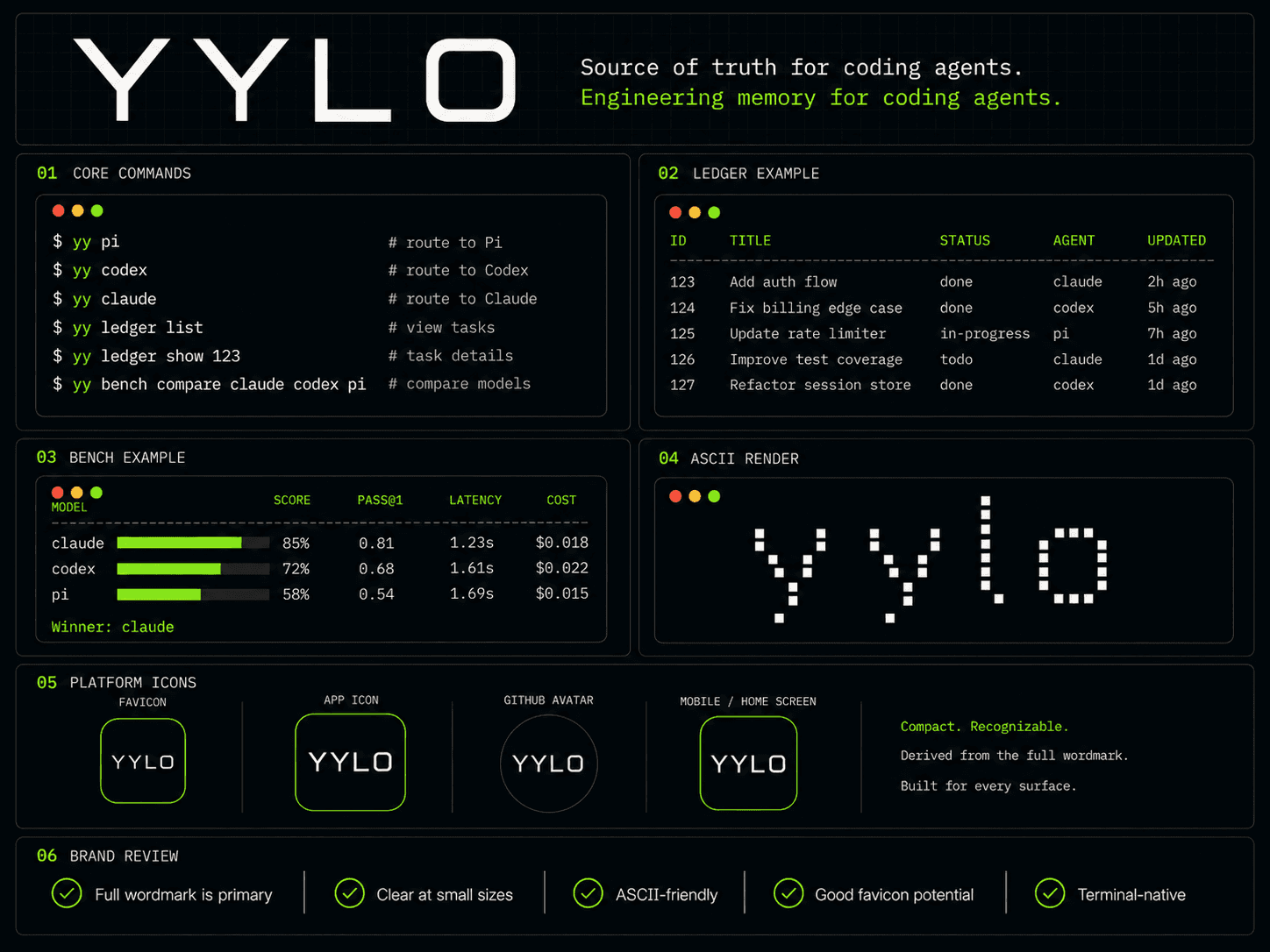
Install / first run
Install the registry-verified stable release, then begin with a change small enough to validate and review. Compare installation paths or review changes by version.
Source candidate · check installed yy init --help
For a new project, the final interactive initialization question selects the workspace mode. This source behavior is not a claim about the stable release above.
Simple requires prior Git initialization, preserves existing project instructions, and does not install dependencies, stage, commit or create worktrees. The selected agent and project goal are saved locally. Leave the Advanced-only Git URL blank.
Existing inline automation stays Advanced. Noninteractive yy init --mode simple remains a read-only preview; use --plan-file then --apply-plan for reviewed setup. Normal initialization never converts an existing workspace; do not toggle the mode field manually.
For a settled registered metadata-only controller with a same-repository product branch, an explicit plan/apply flow creates a new Simple checkout. It preserves product history and committed Ledger data while leaving the original controller, registrations and worktrees unchanged. Simple to Advanced is unsupported, even with force.
Stop writers and settle managed tasks first. Dirty worktrees, ignored durable data, symlinks, submodules, conflicting product-side Ledger data and existing destinations are refused. Other legacy or combined layouts are not supported.
Review inactive old instructions and settings under .juno_task/advanced-backup, restore only compatible project conventions, and configure agents, dependencies and credentials manually. No automatic remote, staging, commit, cleanup or live cutover occurs. The new Ledger is an independent snapshot. Preserve interrupted destinations for inspection; never delete a reservation to force startup.
Version-verified capabilities
Stable 0.2.11
Run one small, verifiable change with your chosen coding agent.
Stable 0.2.11
Repeat a short sequence without hiding its stop conditions.
Stable 0.2.11
Continue work without reconstructing it from terminal scrollback.
Stable 0.2.11
Read status without launching, retrying or completing work.
Stable 0.2.11
Start a task worktree, validate a clean commit, then land exactly that task.
Stable 0.2.11
Read strict JSON or NDJSON rather than parsing terminal prose.
Stable 0.2.11
Install eight independently versioned skills, preserving customized copies.
Source candidate · publication not verified
Organize local agent terminals and inspect workspace completion state.
Stable 0.2.11
Use parallel execution for independent work and workflows for ordered steps.
Stable 0.2.11
Use standalone Ledger and Benchmark, or compatible YYLO delegates.
Product direction / clearly separated
YYLO is progressively connecting task and lifecycle evidence into a durable Engineering Change record. Deployment, production-outcome learning, and automatic workflow selection remain direction rather than current-release claims.